You don’t need everything figured out. You need one real result.
First Day In is where that happens.
You open this. You follow 3 steps. You create something real.
That’s it.
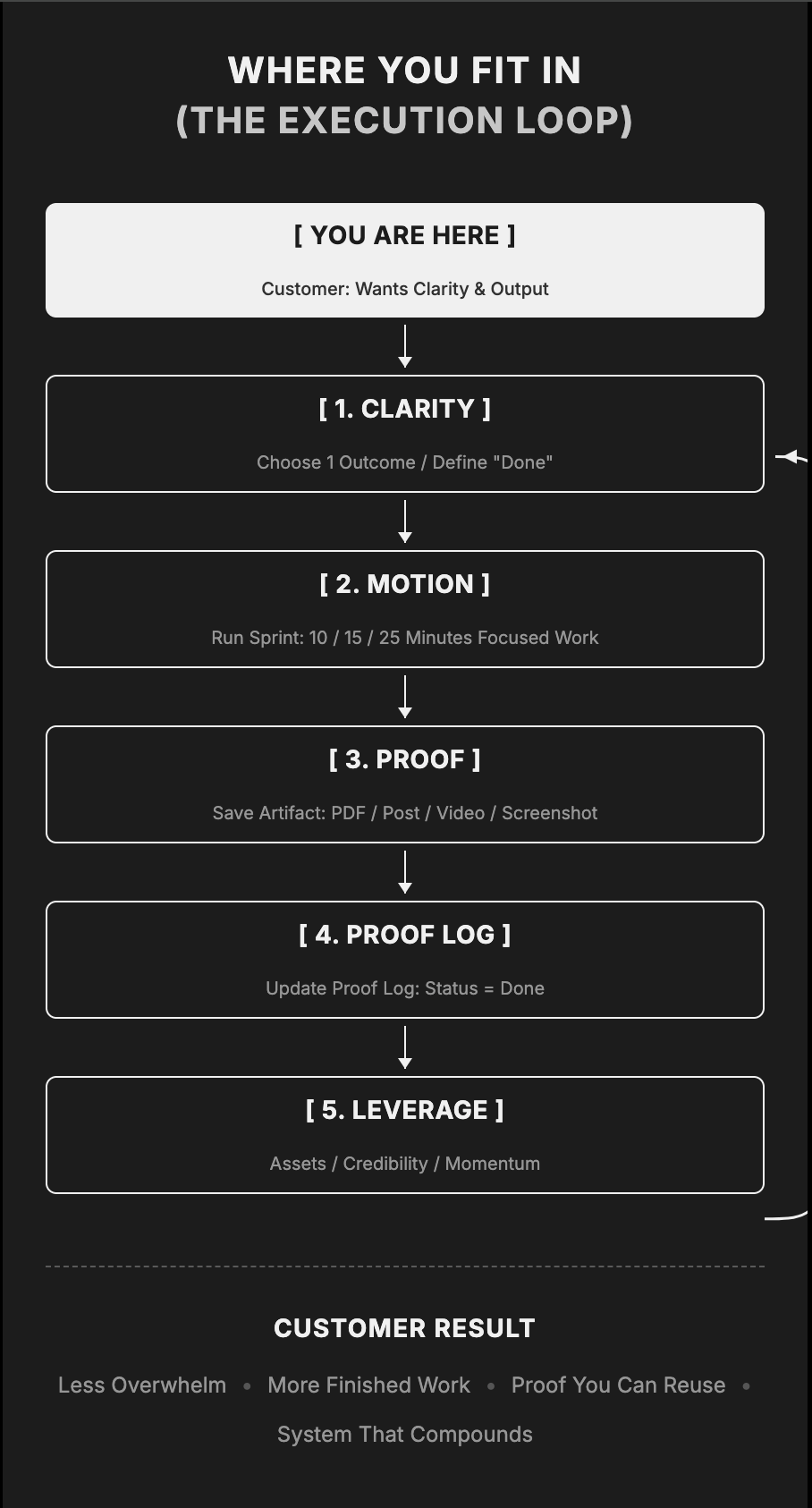
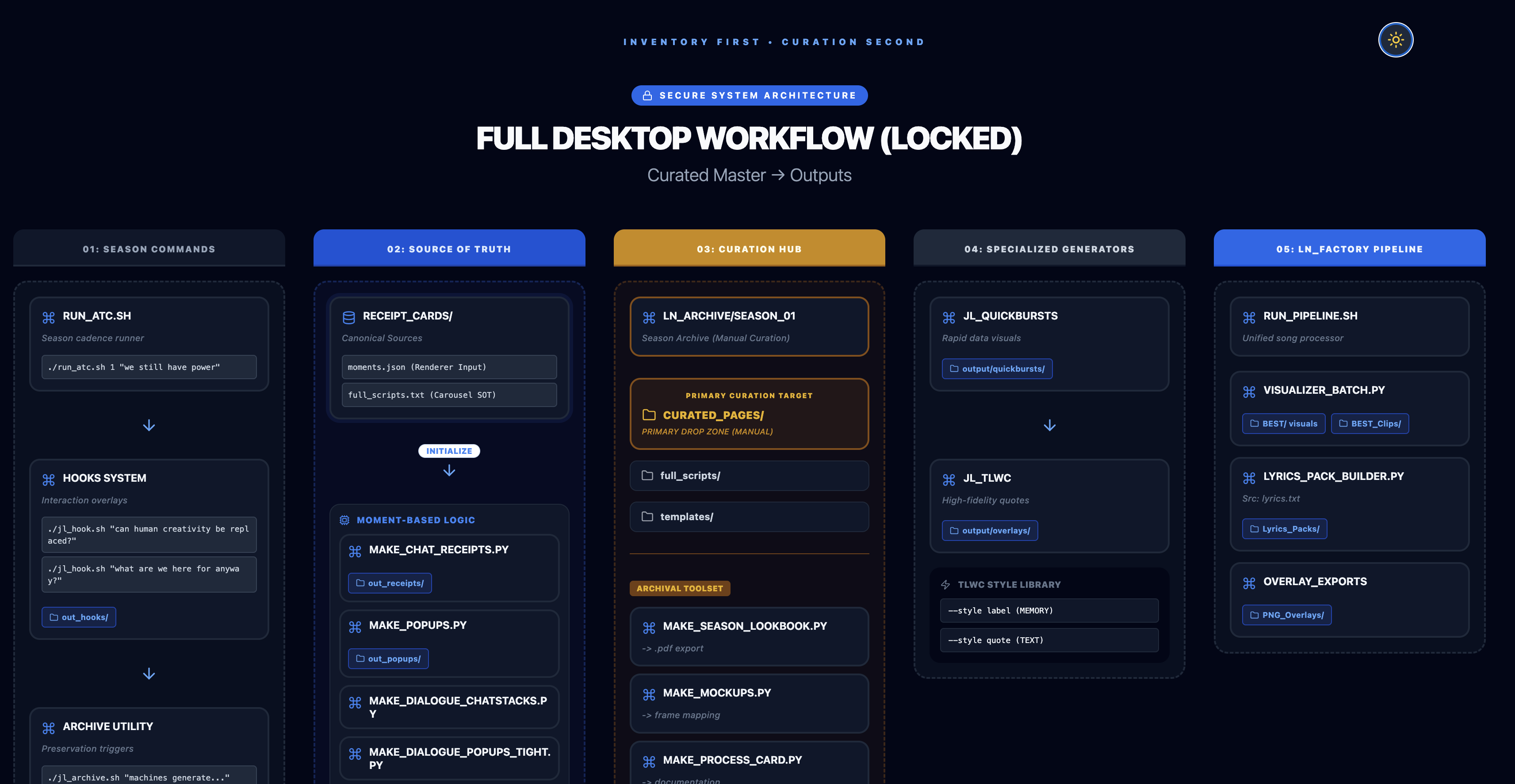
This is the system you are entering
Everything on this page connects back to this loop.
You’ve opened the tools. You’ve tested prompts. You’ve watched people move faster than you. But when it comes to your own workflow, your own ideas, or your own life, it still feels unclear.
01 You know AI matters, but you still do not have a system.
02 You get ideas, but they rarely turn into finished output.
03 You have touched the tools, but not in a way that actually changed anything.
→ You need your first result.
This is where you are right now
Execution Loop v1.0 — LNUniverse System
You need one win. One clear input. One usable workflow. One result you can point to and say, “I made this.” That is what creates momentum.
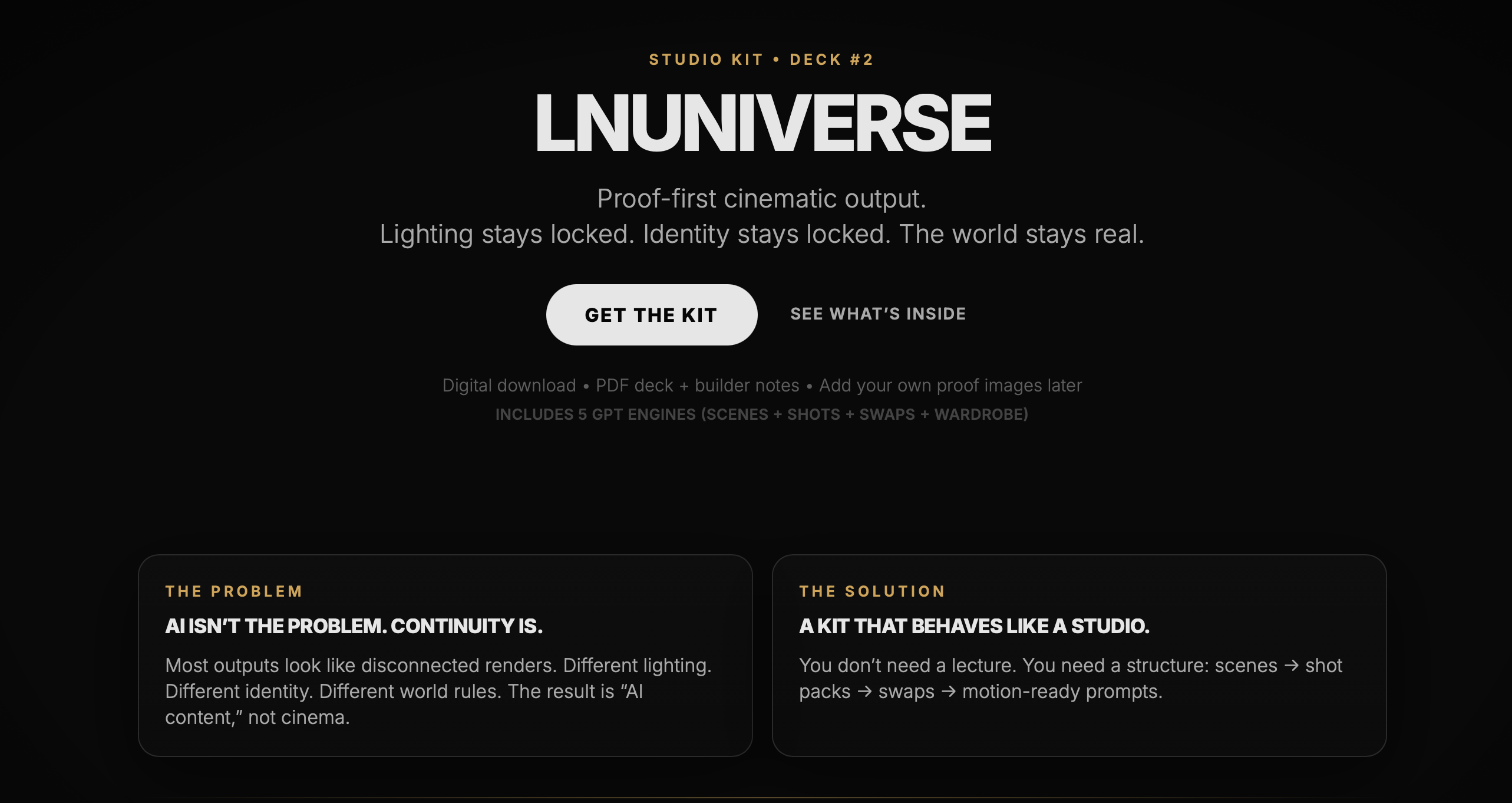
First Day In is a guided 3-day entry point for people who want to finally use AI in a way that produces something real. A simple process that helps you take one idea and turn it into visible output.
Built for people who feel behind, scattered, or unsure where to begin
Centered on action, not theory
Designed to give you a real result within 3 days
Simple enough to start, strong enough to repeat
These are the kinds of outputs that come from one idea, structured properly.
A scattered idea
Clarified input. Structured prompting. Guided output.
A complete landing page built from a single idea.
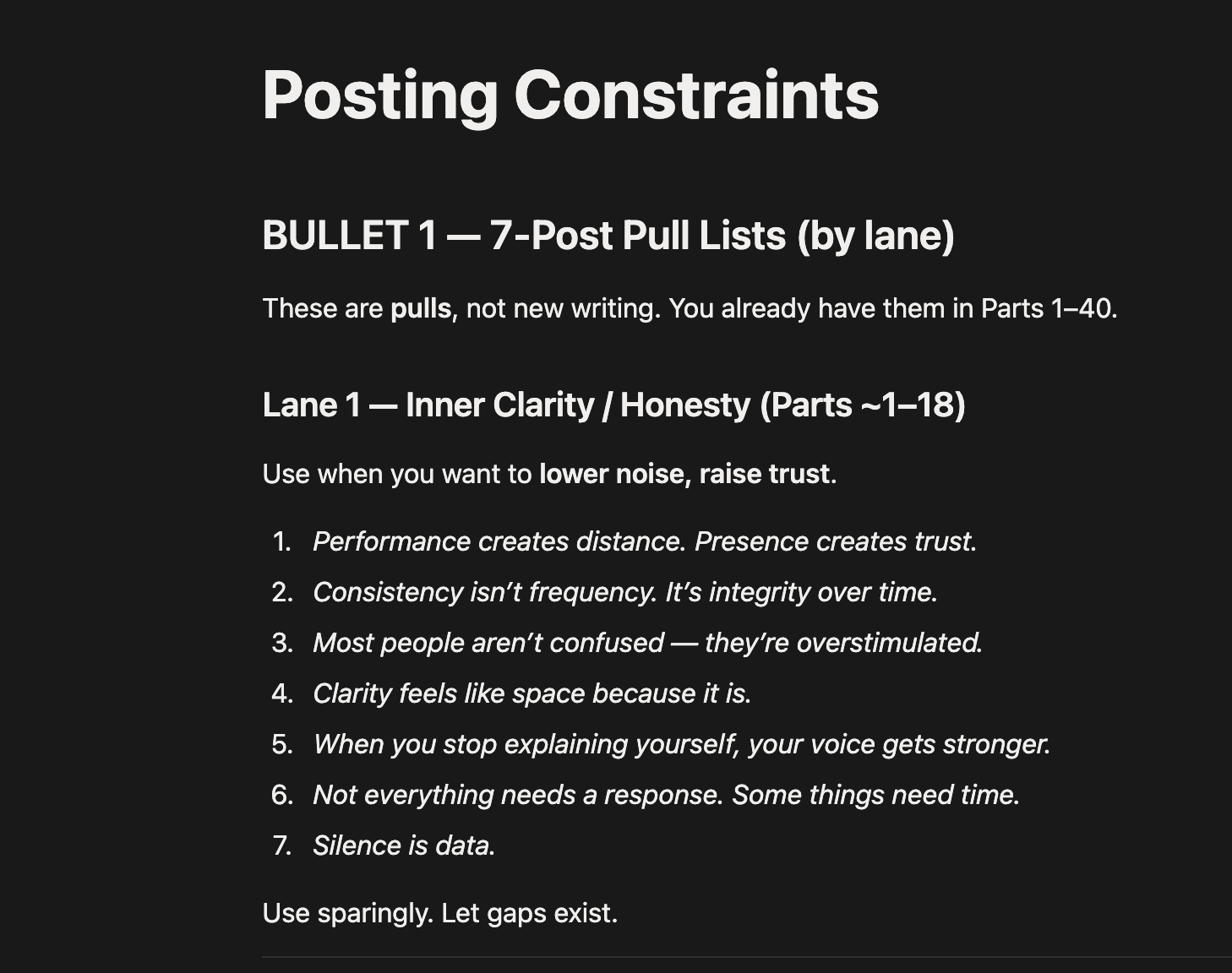
Notes that didn’t connect
Organized into a repeatable workflow. Refined through iteration.
A system you can reuse to generate consistent outputs.
A scattered moodboard
Visual direction. Motion prompting. Continuity lock.
A cinematic sequence or world asset.
One idea can turn into a lot when it’s structured correctly.
Your output will depend on your idea, but it will be real.
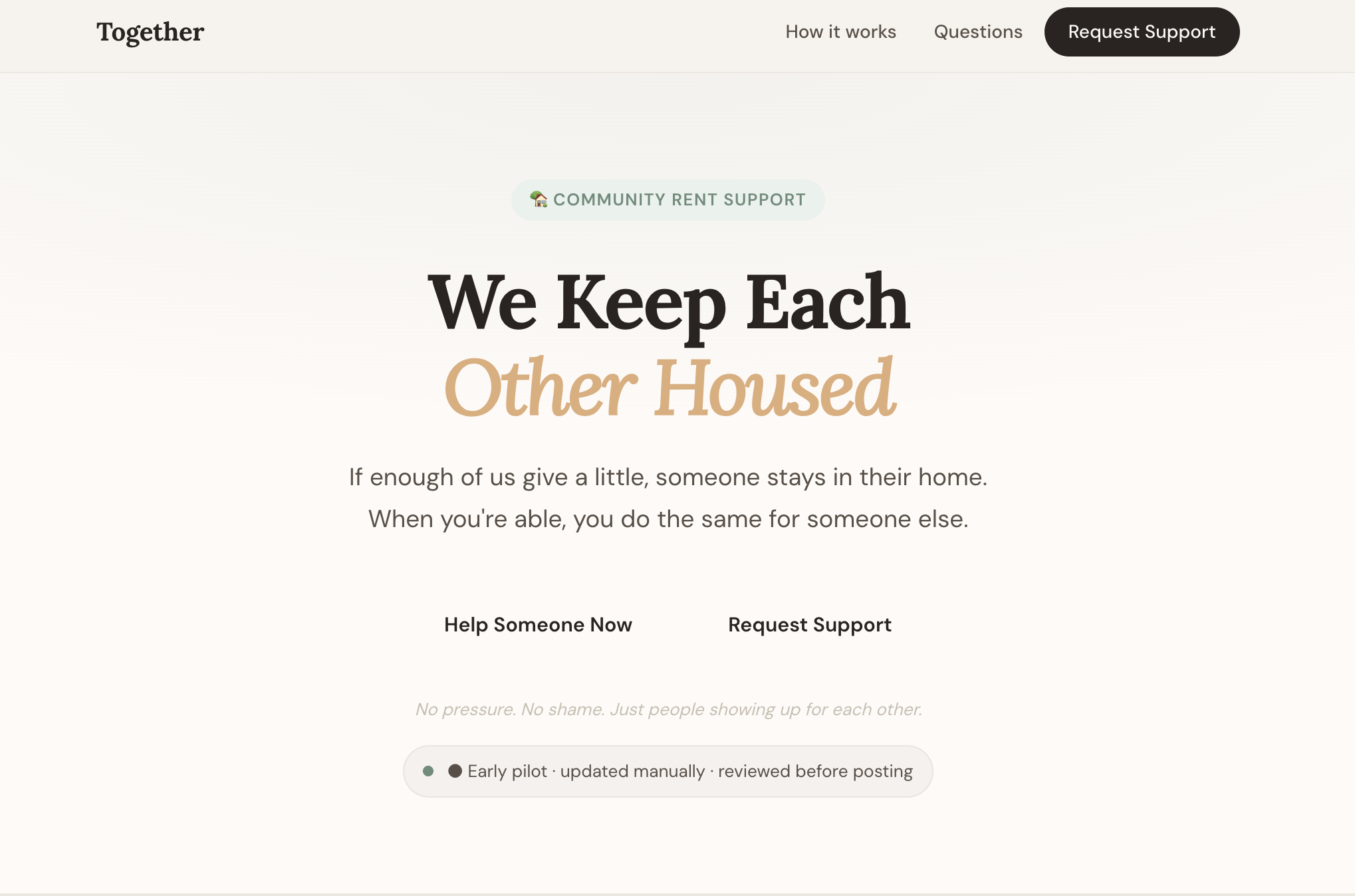
A landing page from a raw concept
A repeatable content or idea system
A script, draft, or structured framework
A simple workflow you can keep using
This is not about picking the “perfect” output. It is about proving you can create one.
Simple prompt starters to remove guesswork
Basic workflow structures you can follow immediately
Examples pulled from real use
Optional tools and systems to support your process
Everything is designed to help you get a result quickly, not overwhelm you.
You do not need to pay for everything up front. Start with the simplest setup that helps you get a real result, then upgrade only when your output requires it.
Best for proving this works before spending anything.
You can complete the entire 3-day process with this setup.
Best for stronger outputs and more control.
Upgrade only when you feel your ideas are clear but your outputs are limited.
Only if your work becomes more technical or specific.
These are not required to get your first result.
The goal is not to use more tools. The goal is to get a real result as simply as possible.
You do not need to master every tool. You just need to know what each one does best.
your thinking partner
your multimodal translator
your precision tool
your free visual sandbox
your idea-to-motion layer
your advanced visual engine
This is how you stop using tools randomly and start using them as a system.
Each tool does one thing well. Your advantage is knowing when to switch.
Most people stay inside one tool and hit a ceiling.
The real leverage comes from knowing how to move between them.
Do not buy more tools just because they exist. Spend where the next real bottleneck appears.
If you don’t know what you’re building yet, start here.
Use once your idea is clear and needs direction.
For debugging, refining, or building systems.
Only when your output actually needs it.
The fastest path to results is not more tools. It’s the right order.
You’ll save your final output locally outside of the tools. You can export it as:
This is not more information.
This is execution.
No. This is for people who have tried AI, but still do not have a clear system or real result from it yet.
A real output based on your own idea. That could be content, a workflow, a draft, a system, or another useful asset you can actually build from.
It is better thought of as a guided 3-day entry point. The focus is not information for its own sake. The focus is getting you to a real result quickly.
That is exactly who this is for. First Day In is designed for people who have touched AI, but still have not built a useful way of working with it.
First Day In is the entry point. It helps you get your first real result, then grow into deeper systems, tools, and frameworks over time.