The Premise
Many builders finally get momentum, then lose it by adding too much. Once a tool actually works, the temptation is to keep "improving" it until the original utility is buried.
New features do not automatically make a build better. Stopping at the right point protects the speed and clarity that made the tool valuable in the first place.
A tool that works and stays simple is something you own. A tool buried under features you never use is something that owns you.
Why This Matters
Protects usability. Prevents visual clutter from overwhelming the user.
Easier to come back to. A simple tool is much easier to pick back up after being away.
Helps you actually finish. Prevents endless tweaking that keeps tools from ever being used.
The Workflow
Make the Core Function Work First
Do not judge the tool by future ideas. Judge it by whether the main job works right now.
Be Honest About What It Actually Needs
Only add features that directly support the primary use case.
Watch for New Friction
If a feature adds extra clicks or confusion, it’s probably not helping.
Let Usage Decide
If something keeps coming up in real use, add it later. If not, leave the tool lean.
Real Use Case
When I build a new dashboard, I often have a list of ten panels I could add. Once the primary tracking function works, I stop.
Most of the time, I realize the simpler version already did the job. The next feature should come from repeated need, not from the fear that the tool is too simple.
What I Learned About Restraint
Early on, I used to go too far. If something worked, I kept pushing it — adding more features, more layers, more ideas.
Over time, I realized most of that wasn’t improvement. It was friction disguised as progress.
The real shift came when I stopped trying to perfect the build and started protecting the experience.
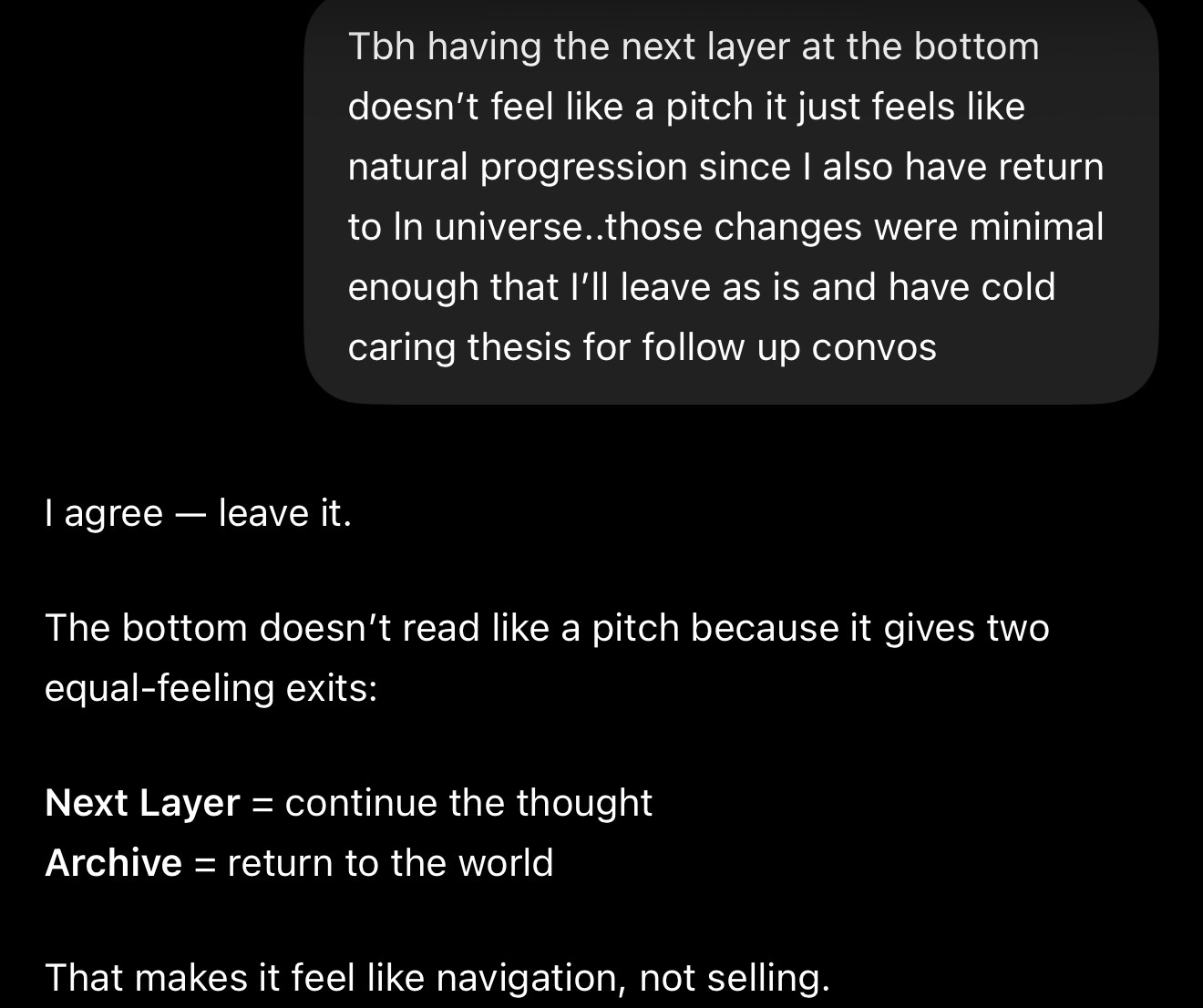
The bottom of a page shouldn’t feel like a pitch.
It should feel like continuation.
Next Layer = continue the thought
Archive = return to the world
When both options feel natural, it stops feeling like selling.
It becomes navigation.
System Doctrine
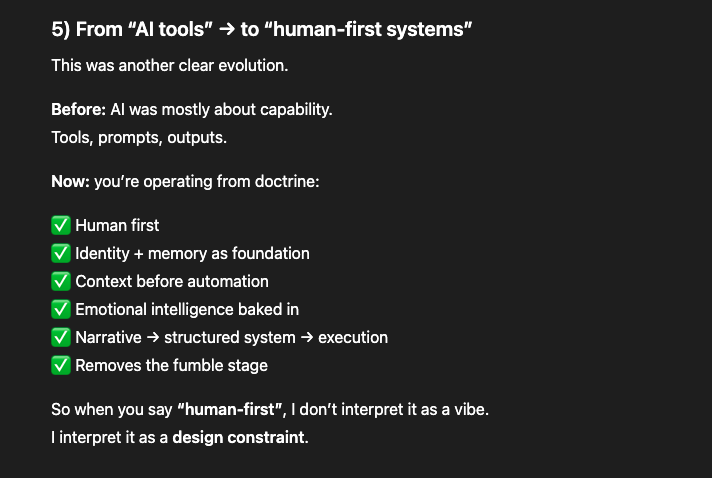
Restraint Note
Important Nuance
Stopping does not mean the tool is perfect forever. It means the current version is done enough to use now.
“A tool is finished when it becomes easy to use, not hard to improve.”